

GA4 Audits Are a Nightmare. This Chrome Extension Fixed My Context-Switching Problem.
GA4 Audits Are a Nightmare. This Chrome Extension Fixed My Context-Switching Problem.
I. Introduction: The GA4 Audit Nightmare
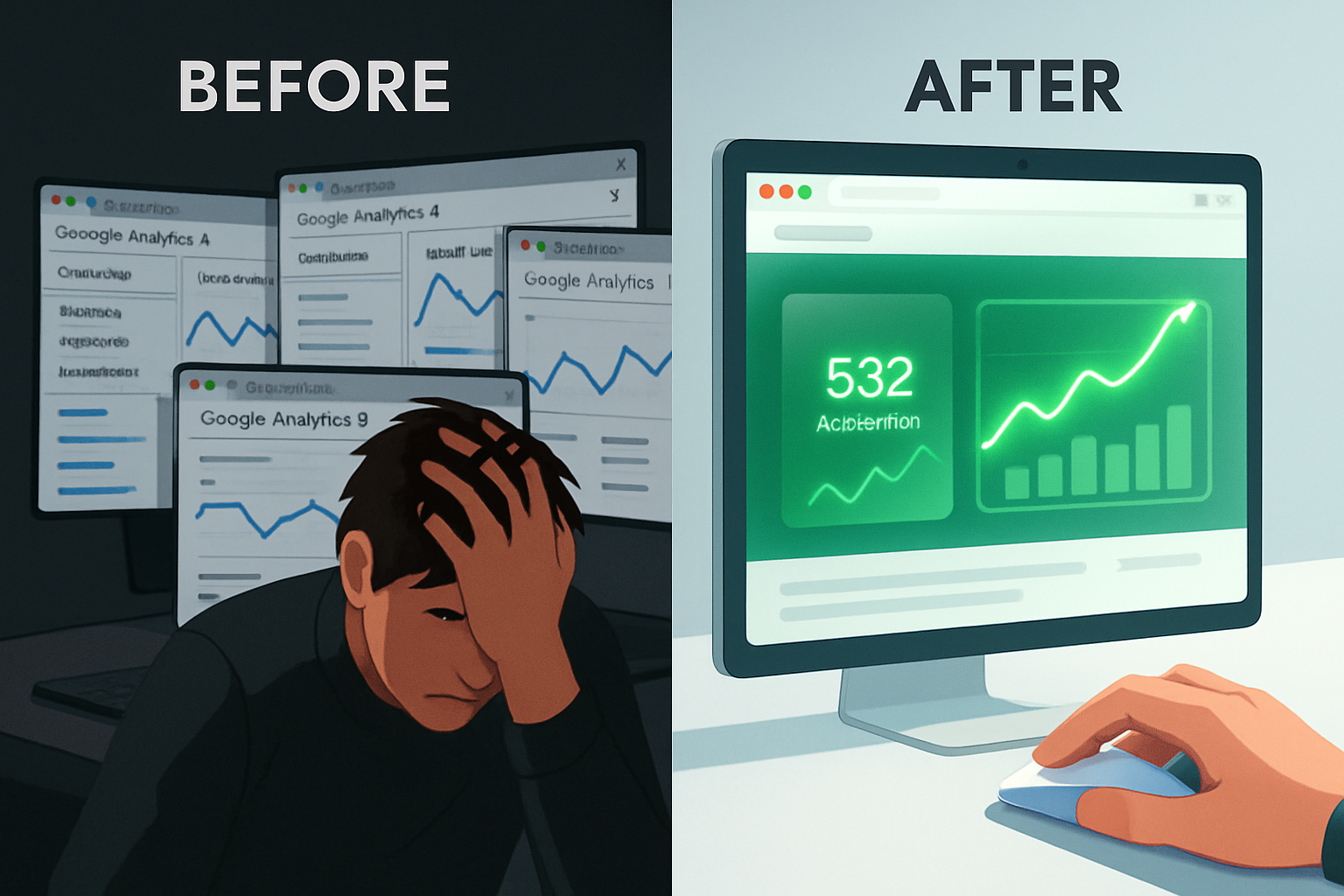
Every GA4 audit used to start the same way for me: 15 browser tabs open, a dizzying amount of context-switching, and the gnawing feeling that I was missing a critical insight.
If you’re an agency owner, a marketing consultant, or an in-house analyst, you know the drill. You're paid to be the expert, the one who ensures the data is clean and the tracking is flawless. But the reality of performing a GA4 audit is a frustrating, manual, and time-consuming process that feels less like analysis and more like digital archaeology.
Let’s be honest: Google Analytics 4 is a powerful platform. Its event-based model is the future of web measurement. But when it comes to the day-to-day task of validating tracking, debugging a broken conversion, or simply checking if an event fired correctly on a specific page, the GA4 UI is fundamentally not auditor-friendly.
The truth is, the current workflow is broken. And for me, fixing that broken workflow wasn't just about saving time—it was about saving my sanity. This is the story of how a simple Chrome extension was born out of pure necessity to solve the most painful part of my job.
II. The Hidden Costs of Traditional GA4 Audit Workflows
The biggest enemy of a profitable and accurate GA4 audit isn't a lack of knowledge; it's context-switching.
The traditional audit process forces you into a constant, inefficient loop:
- Check the website: Navigate to a page where a key event (like a button click or form submission) is supposed to happen.
- Switch to GA4: Open the DebugView or Realtime report in a separate tab.
- Perform the action: Go back to the website and trigger the event.
- Switch back to GA4: Wait for the event to appear, hoping it fires correctly.
- Lose Context: By the time you confirm the event, you’ve forgotten the exact URL, the user journey, or the specific element that triggered it.
This process is not just annoying; it has significant, measurable costs for your business:
- Inflated Audit Hours: Every minute spent tab-hopping is a minute you can't bill for or a minute that eats into your margin. Slower audits mean higher costs for agencies and consultants.
- Increased Error Rate: The more you context-switch, the higher the chance of human error. Did that event fire on the staging site or the live site? Was that the right property? The GA4 UI makes it easy to lose track.
- Client Frustration: Trying to explain a tracking issue to a client often involves screen-sharing and jumping between the website and the GA4 interface, which looks confusing and unprofessional.
The core problem is that the data is separated from the source. You are forced to spend time matching URLs manually instead of analyzing the data.
III. The ‘Aha’ Moment: Why Analytics Must Live on the Page
The idea for TrafficTap wasn't born in a boardroom; it was born out of sheer frustration during a real client audit.
I was debugging a critical conversion event that was firing inconsistently. I had the client's website open, the GA4 DebugView open, and my notes open. After the tenth time of switching tabs, losing my place, and questioning my life choices, I had the ‘aha’ moment:
"Why can't the analytics live on the page itself? Why do I have to leave the website to see what's happening on the website?"
The solution was obvious: Page-Level Analytics.
If the data could overlay the page I was viewing, I could instantly see:
- Which GA4 property was active.
- The pageview count and engagement metrics.
- A live stream of events firing as I triggered them.
This simple shift—bringing the data to the page—meant the end of the context-switching nightmare. The idea for TrafficTap, a dedicated GA4 audit tool built as a Chrome extension, was born.
IV. Introducing TrafficTap: Page-Level GA4 Analytics as a Chrome Extension
TrafficTap is the solution for anyone who audits GA4 regularly. It transforms your audit workflow from a multi-tab juggling act into a seamless, single-screen experience.
The Fix: GA4 as an Overlay
TrafficTap works as a lightweight overlay that appears directly on the webpage you are currently viewing. It connects securely to your Google Analytics 4 properties and provides instant, contextual data.
Here’s how this simple Chrome extension eliminates the audit pain:
- See Traffic & Events Directly on the Webpage: No more switching to DebugView. You see a clean, real-time feed of events and conversions firing right next to the element that triggered them. You can validate tracking in real time with zero context loss.
- Switch GA4 Properties Without Leaving the Site: Agencies managing multiple clients will love this. Instantly toggle between different GA4 properties without the chaos of re-authentication or opening new browser windows.
- Instant Page-Level Metrics: Get a quick snapshot of the page's performance (views, engagement rate) without having to navigate the complex GA4 reporting interface.
This is not just a feature; it's a fundamental shift in how you perform a GA4 audit. It moves you from being a data detective to a data validator.
V. Who This Is Perfect For (And Why You Need It Now)
If your job involves ensuring data accuracy, TrafficTap is a must-have GA4 tool.
| Target Audience | Core Pain Point Solved |
|---|---|
| Agencies Managing Multiple Properties | Eliminates the time-wasting process of switching between client accounts and properties. |
| Consultants Doing Audits & CRO Reviews | Provides instant, visual validation of conversion events and A/B test tracking. |
| In-House Analysts | Speeds up daily QA and debugging, allowing more time for actual analysis. |
| Anyone Tired of GA Tab-Hopping | Reclaims your mental energy lost to constant context-switching. |
We built this tool because we were tired of the nightmare. We know you are too.
CTA: The Solution to Your GA4 Nightmare
Stop auditing the hard way. Stop letting the clunky GA4 UI dictate your workflow.
TrafficTap was built by an auditor, for auditors. It’s the simple, powerful Chrome extension that brings your analytics data where it belongs: on the page.
👉 “If you audit GA4 regularly, TrafficTap was built for you. Join the early access list and reclaim your time and sanity.”